

Md Firoz Ahmed™
Super VIP Member
Moto G⁴ Plus - 139-63 Stock Roms Official Firmware Free Downloads
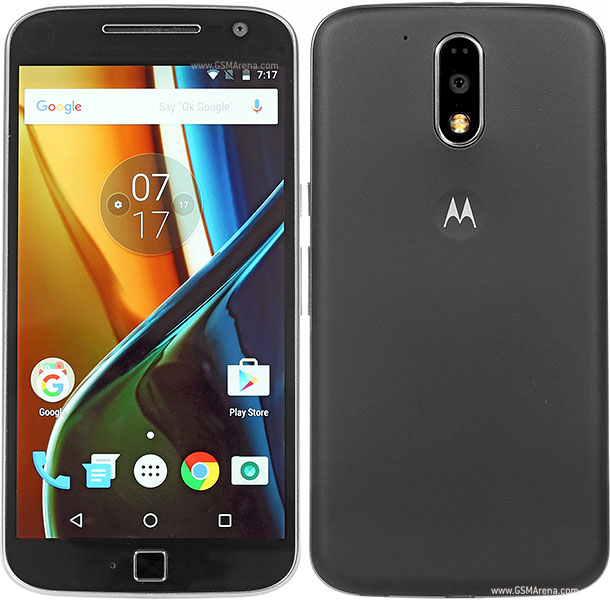
Moto G⁴ Plus - 139-63 Stock Roms Official Firmware Free Downloads
Without Password Free Downloads
Firmware Version_
Moto G⁴ Plus - 139-63 Stock Roms Official Firmware Free Downloads
Without Password Free Downloads
Firmware Version_
ATHENE_MPJ24.139-63_cid50_subsidy-DEFAULT_CFC.xml
Firmware Downloads Links Cloud Drive
How To Install:
Go...
1) Download the program for installation and install.
2) Download and unpack the firmware.
3) Run the program.
4) Click on the button with three dots "..." next to Start
5) Choose flashfile.xml - this mode completely removes the data from your phone.
Or servicefile.xml - it should not delete your personal data, this method has not yet verified, I will not state.
6) We reboot the phone in fastboot mode - using the command with adb reboot bootloader or turn off the phone, hold down the volume + power button.
7) Connect the phone to the PC. The program must determine the phone.
8) Click the Start button and wait until the phone reboots.
