

Md Firoz Ahmed™
Super VIP Member
ZenFone 3 Max (ZC553KL) How to Downgrade to Android Nougat
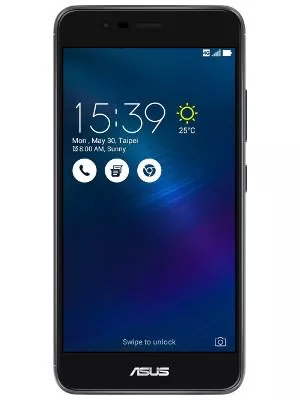
If you find Android Oreo is buggy or you want to return to stock ROM, follow these steps:
Make sure you’ve backed up all of your IMPORTANT DATA before downgrading/returning to stock ROM.
I am not responsible for bricked devices and dead SD cards. YOU are choosing to make these modifications, and if you point the finger at me for messing up your device, I will laugh at you.
1) Download Nougat RAW firmware here (14.0200.1712.347):
ZC553KL: Download Link
2) Unzip the RAW firmware
3) Now, power off your device and enter Fastboot mode by pressing Power Button + Volume Up button
4) Open the extracted RAW folder and select flashall.cmd/flashall.bat
5) Connect phone to PC
6) It will reboot once downgrading is completed
7) Congratulations, you have downgraded/returned to stock Nougat ROM
Note that it's recommended to wipe data & cache via recovery mode after downgrading to Nougat.
If you find Android Oreo is buggy or you want to return to stock ROM, follow these steps:
Make sure you’ve backed up all of your IMPORTANT DATA before downgrading/returning to stock ROM.
I am not responsible for bricked devices and dead SD cards. YOU are choosing to make these modifications, and if you point the finger at me for messing up your device, I will laugh at you.
1) Download Nougat RAW firmware here (14.0200.1712.347):
ZC553KL: Download Link
2) Unzip the RAW firmware
3) Now, power off your device and enter Fastboot mode by pressing Power Button + Volume Up button
4) Open the extracted RAW folder and select flashall.cmd/flashall.bat
5) Connect phone to PC
6) It will reboot once downgrading is completed
7) Congratulations, you have downgraded/returned to stock Nougat ROM
Note that it's recommended to wipe data & cache via recovery mode after downgrading to Nougat.